in Bearbeitung...
Content-Aware Detection
is an algorithm designed to identify alterations within specific regions of an image. When significant changes are detected, it automatically triggers a cut, making it the ideal choice for analyzing darker movie scenes.
Threshold-Based Detection
operates by analyzing the intensity and brightness levels of individual frames. When these levels surpass a predefined threshold, a cut is initiated. This method represents a more traditional approach to cut detection, relying on classic techniques.
What files can the tool create?
- EDL - Edit Decision List (.edl)
- EDL - Edit Decision List (.edl) [with gap between takes]
- CSV - Comma-separated values (.csv)
[Timecode In, Timecode Out, Frame In, Frame Out]
Render individual files PRO
This option allows you to have the tool render an H264 (.mp4) file for each detected clip in your uploaded video. This is a great way to split a video into multiple segments for further editing without the need for additional software.
Empfohlener Workflow
- Lade deinen Videoclip hoch und starte die Schnittanalyse. Wenn die Datei die maximale Uploadgrenze überschreitet, kannst du auch eine komprimierte Version deines Videos hochladen.
- Lade die generierte EDL/XML herunter und lege sie in denselben Ordner wie den ursprünglichen Videoclip.
- Importiere die EDL/XML in dein Schnittprogramm, verknüpfe sie mit dem ursprünglichen Videoclip und beginne mit der Bearbeitung.
Demo-Datei
Du kannst das Tool mit unserer technischen Testdatei ausprobieren.
- MP4/H264 Video von 3 Minuten Länge in 25fps mit verschiedenen Farbwechseln.

Automatisiere deine Arbeitsabläufe mit unserer API
Egal, ob du ein Entwickler bist oder einfach nur mehr Prozesse mit Tools wie Zapier oder Make automatisieren möchtest, du kannst dieses Tool mit unserer API ganz einfach in deine Arbeitsabläufe integrieren. Erfahre mehr über die Integration der REST-API in unserer API-Dokumentation.
API-Dokumentation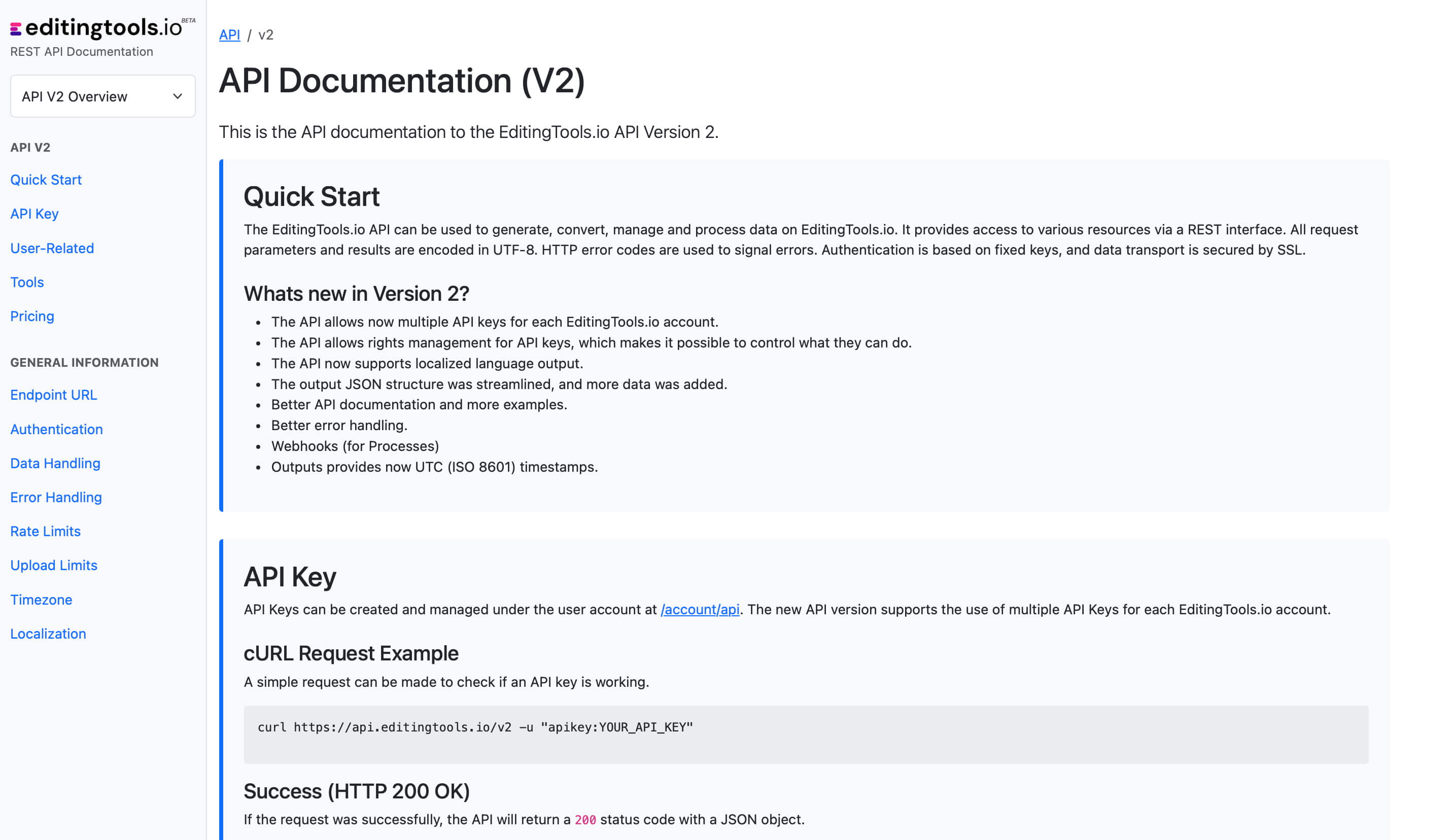
Get more with Pro
The Scene Cut Detection tool requires significant server power. While we offer a free tier for everyone, Pro users enjoy unlimited file lengths and more formats.
Explore Pro Features| Feature | Free | Pro |
|---|---|---|
| Video Length Limit | 15 min | Unlimited |
| Daily Limit | 3 files | Unlimited |
| File Size Limit | 500 MB | 2 GB |
| Render Subclips | ✕ | ✓ |
| Formats | .mp4, .mov | .mp4, .mov, .avi, .mxf, .mpeg, .m4a, .wma |